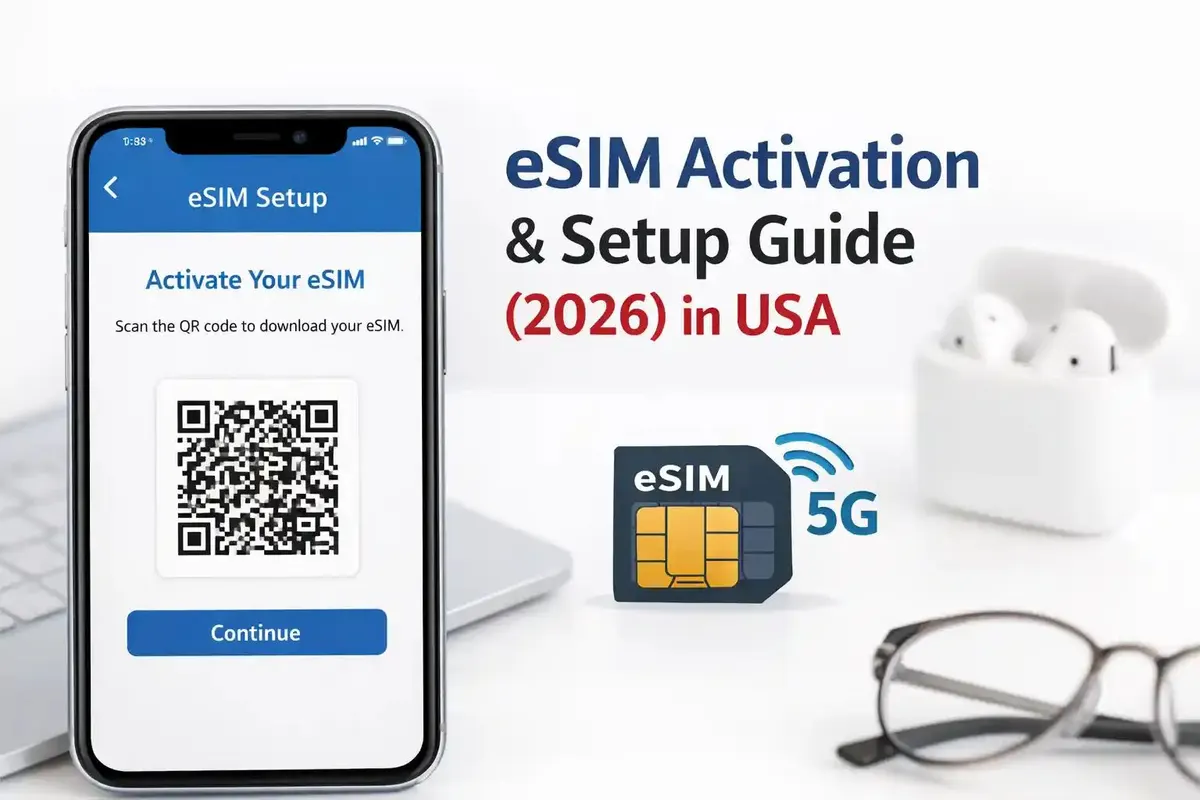
1. Confirm eSIM support and unlock
An eSIM-capable phone still needs to be unlocked from its home carrier. On iPhone, open Settings > Cellular and look for Add eSIM; dial *#06# for an EID; check Settings > General > About > Carrier Lock (“No SIM restrictions” = unlocked).
On Samsung use Settings > Connections > SIM Manager; on Pixel use Settings > Network & Internet > SIMs. Some Samsung models restrict eSIM by region, so your phone settings are more reliable than a device list. If the phone is carrier-locked, ask the home carrier to unlock it — an eSIM cannot bypass a lock.